Best DPI for Printing Photos: How Many Pixels Your Image Really Needs
 by Ashley Carter– 7 years of experience in photo gifts and home deco
 7 Minutes
You have the perfect photo on your phone: the sunset from a weekend at the lake, the family group shot from Thanksgiving, your best friend's wedding. Now it needs to go big — 24x36 inches above the couch or a 36x48 inch canvas in the entryway. And then the question that kills the excitement: is the resolution actually sharp enough?
That is exactly what this photo print resolution guide is for. You get the minimum pixel values for every common print size, the right DPI recommendation for posters, acrylic prints and canvas, plus a quick check by camera type. No lines like "smartphone photos are usually enough." Just clear numbers you can match against your photo's pixel count directly.
In this guide, you'll learn:
- Photo Print Resolution at a Glance: The Minimum Pixel Table
- DPI, PPI & Megapixels: How to Read the Table Correctly
- Posters: What Resolution for Which Print Size?
- Acrylic Print Resolution: Why Gloss Is Unforgiving
- Canvas Resolution: Why DPI on Canvas Is the Most Forgiving
- Is Your Photo Enough? Quick Check by Camera Type
- How to Rescue Your Photo at Low Resolution in 4 Steps
At a glance: For sharp photo printing, 150 DPI counts as the practical minimum for poster and acrylic, while canvas gets away with 100 to 150 DPI because the fabric texture absorbs small softness. A 12 megapixel smartphone photo comfortably reaches 16x20 inches; from 20x30 inches upwards it gets tight on acrylic and poster. If you want brilliant detail sharpness, acrylic is the premium pick, canvas is the forgiving middle ground, and posters are the budget-friendly entry size.
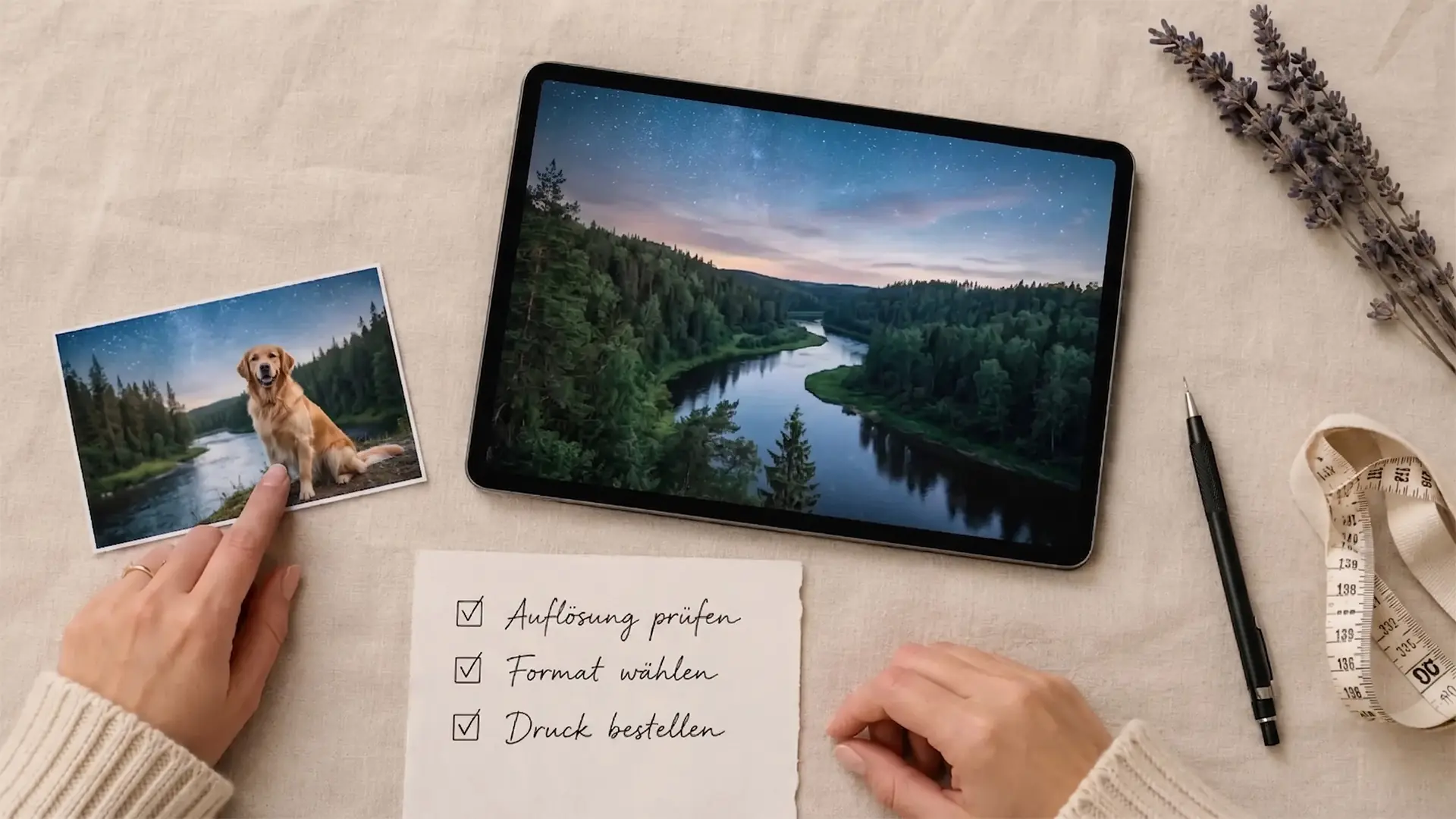
Photo Print Resolution at a Glance: The Minimum Pixel Table
Direct answer: multiply the edge length in inches by the DPI value. That gives you the minimum resolution in pixels. For posters and acrylic, work with 150 DPI; for canvas, 100 to 150 DPI. Below that, the print looks visibly soft at normal viewing distance.
The table below covers the most common print sizes. "Minimum" means: you're in the clear, the image looks sharp from 4 to 7 feet away. "Recommended" means: even from 20 inches the photo still looks crisp.
| Print size | Poster (min, 150 DPI) | Acrylic (min, 150 DPI) | Canvas (min, 100 DPI) | Min MP |
|---|---|---|---|---|
| 8x10 in | 1200 x 1500 px | 1200 x 1500 px | 800 x 1000 px | ~2 MP |
| 12x16 in | 1800 x 2400 px | 1800 x 2400 px | 1200 x 1600 px | ~4 MP |
| 16x20 in | 2400 x 3000 px | 2400 x 3000 px | 1600 x 2000 px | ~7 MP |
| 20x30 in | 3000 x 4500 px | 3000 x 4500 px | 2000 x 3000 px | ~14 MP |
| 24x36 in | 3600 x 5400 px | 3600 x 5400 px | 2400 x 3600 px | ~19 MP |
| 30x40 in | 4500 x 6000 px | 4500 x 6000 px | 3000 x 4000 px | ~27 MP |
| 36x48 in | not recommended | not recommended | 3600 x 4800 px | ~17 MP |
Rule of thumb: print edge in inches multiplied by DPI. Example: 24 in x 150 = 3600 px. That is the minimum the longer image edge must have.
If you want a more comfortable cushion, calculate with 200 DPI for poster and acrylic. Then the image still has headroom even up close. For a wider overview of standard formats, see our guide on canvas print sizes.

DPI, PPI & Megapixels: How to Read the Table Correctly
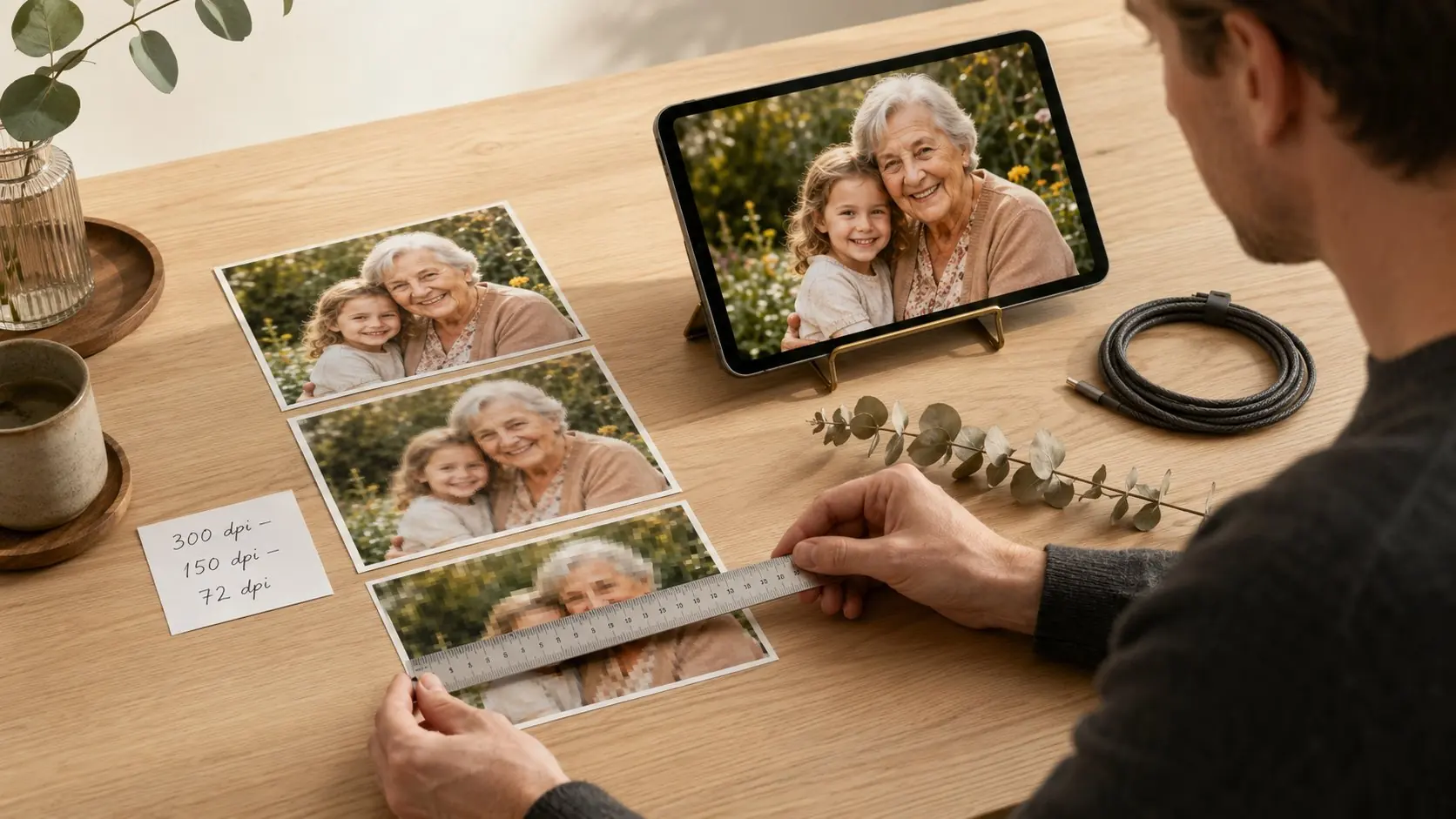
Direct answer: DPI stands for "dots per inch" — the number of ink dots per inch when printing. PPI means "pixels per inch" — the number of pixels per inch on a screen. In practice almost every printer and photo workflow treats both values as synonymous. What matters is the relationship between pixels, size and viewing distance — that's what every photo print resolution question ultimately comes down to.
Why 300 DPI is a myth for wall prints
300 DPI comes from traditional magazine and book printing. Those are read from 10 to 12 inches away. A 24x36 inch wall print is typically viewed from 5 to 7 feet away. From that distance the eye simply resolves fewer details. For DPI on photo printing of wall art, 150 DPI delivers a razor-sharp result, 200 DPI is the premium choice, and anything beyond that is nice headroom but rarely visible.
Convert megapixels to print size
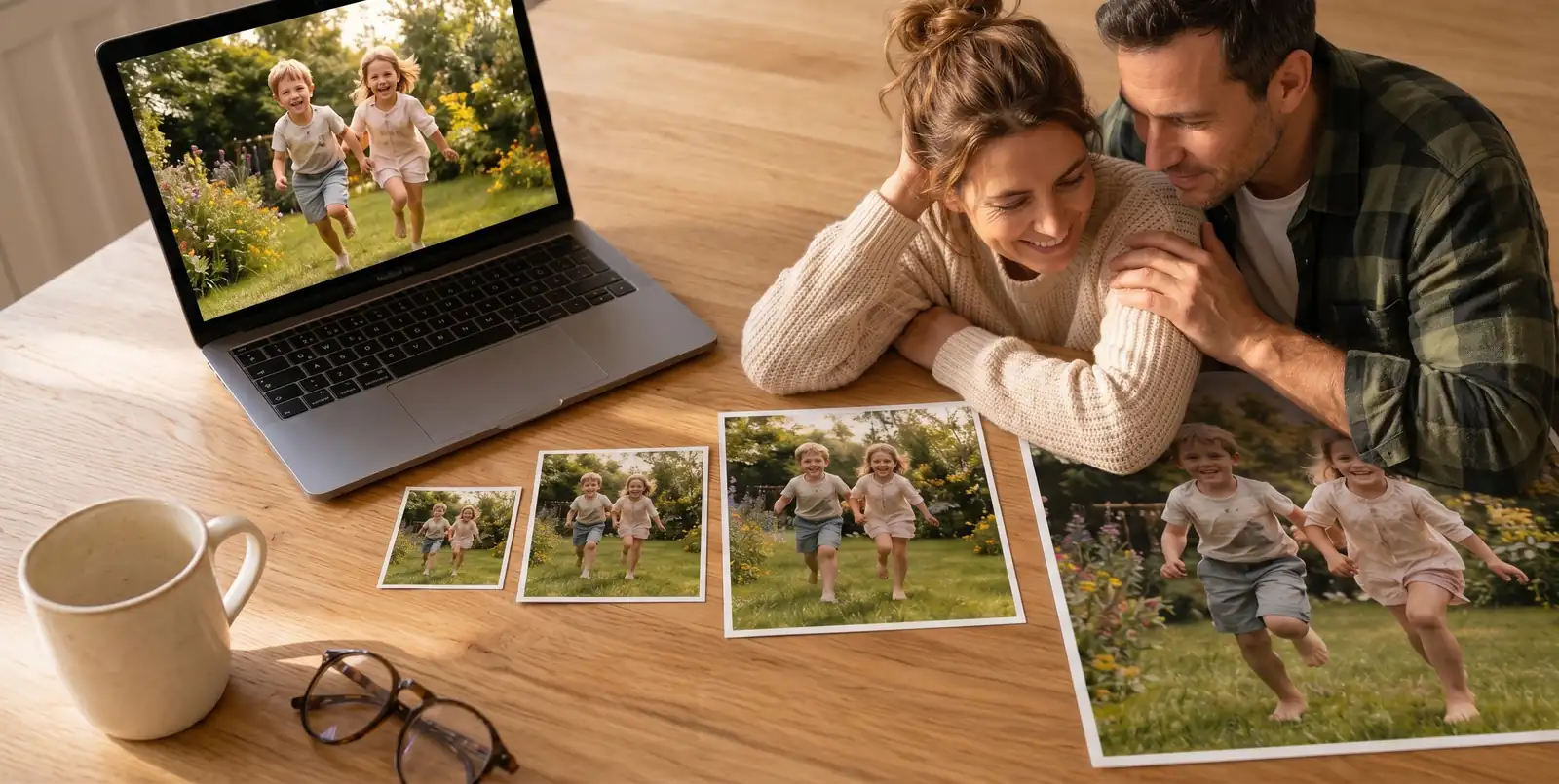
Your camera's megapixel count is width times height in pixels, divided by one million. A 12 MP photo has roughly 4000 x 3000 px. With that you can print:
- Poster or acrylic at 150 DPI: sharp up to around 26x20 inches
- Canvas at 100 DPI: comfortable up to around 40x30 inches
- Acrylic at 200 DPI: premium quality up to around 20x15 inches
Viewing distance as the hidden factor
The further you stand back, the fewer pixels the image needs per inch. A 36x48 inch wall print above the dining table is rarely viewed from more than 8 feet away. That is why large canvas formats still work well at lower canvas resolution, while a 16x20 inch acrylic in your home office, viewed from 30 inches away, reveals every missing pixel.
Posters: What Resolution for Which Print Size?
Direct answer: for posters, 150 DPI counts as the practical minimum, 200 DPI is ideal. A standard 12 MP smartphone photo comfortably reaches 16x20 inches; from 20x30 inches upwards it gets tight; from 24x36 inches you need a modern camera or a high-resolution phone.
Posters are the budget-friendly entry choice for wall art. That is exactly why the right resolution matters most here: the matte paper surface shows every softness honestly, with no gloss to hide pixel artifacts. If you want to save on paper, don't save on resolution.
Typical poster sizes & required megapixels:
- 8x10 in. Any smartphone photo of the last 10 years is fine, from around 2 MP.
- 12x16 in. Comfortable with any current smartphone, from around 4 MP.
- 16x20 in. The family standard, from around 7 MP.
- 20x30 in. Demanding — at least 14 MP for clean 150 DPI.
- 24x36 in. Large format, comfortable from 19 MP, otherwise upscale.
Our recommendation: if the print quality matters to you but your photo sits at the edge of acceptable resolution, print your image on canvas prints. The fabric texture is friendlier to pixels than smooth poster paper.
Acrylic Print Resolution: Why Gloss Is Unforgiving
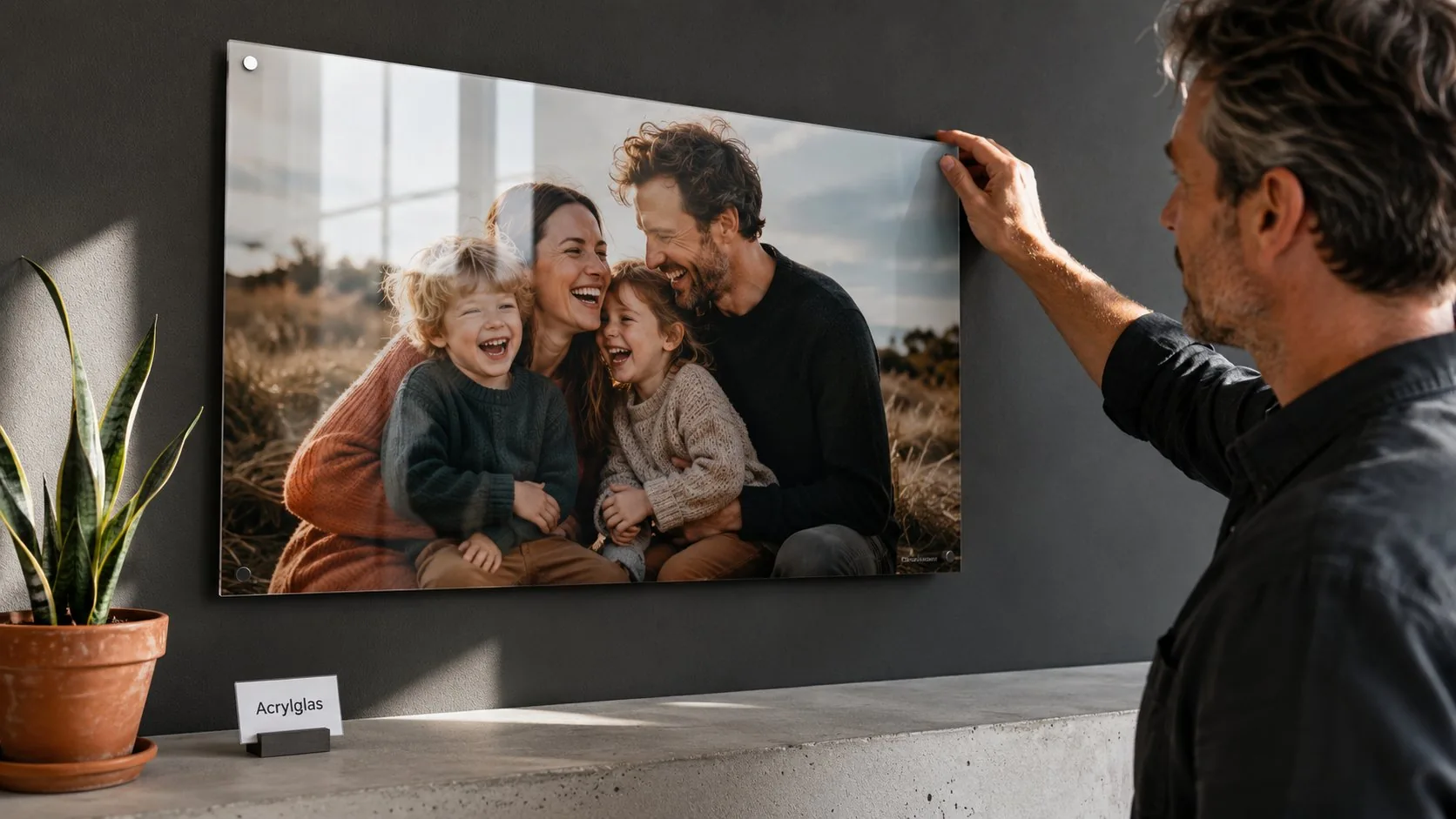
Direct answer: acrylic needs at least 150 DPI; 200 DPI is ideal. The high-gloss surface and depth effect make pixel grids, noise and compression artifacts particularly visible. If you print on acrylic, pick the sharpest original you have.
Acrylic is the premium pick among wall art: high-quality finishing meets brilliant color depth. That advantage is also the weak spot at low resolution: what looks "atmospherically soft" on canvas just looks unsharp behind acrylic glass.
What to watch on acrylic in particular:
- High contrast. Dark text on a light background shows pixel edges immediately.
- Smooth skin areas. On portraits, every bit of noise is visible because the surface gives no texture to disguise it.
- Close-ups with shallow depth of field. Bokeh backgrounds need real resolution, not upscaling.
- Reflective surfaces in the subject. Water, glass, metal demand full detail fidelity.
So for a 16x20 inch acrylic print you want not a tight 7 MP but a comfortable 12 MP or more. Every smartphone of the last three years delivers that. At 24x36 inches it gets ambitious without a modern camera: 19 MP is the absolute minimum.
Our recommendation: for brilliant photo subjects in strong light, acrylic photo prints are the first choice, provided your photo is cleanly exposed. If you want the wow effect but are unsure about resolution, stay one size smaller.
Canvas Resolution: Why DPI on Canvas Is the Most Forgiving
Direct answer: canvas gets away with 100 to 150 DPI because the fabric texture optically absorbs smaller softness. That makes canvas the most grateful choice when you do not know how sharp your photo is. A 12 MP photo turns comfortably into a 30x40 inch wall piece.
Canvas is fabric, not high gloss. The fine woven texture creates a soft micro-texture that the eye and brain read as "natural." Pixels disappear into it. That is why the minimum pixel values for canvas are set lower than for acrylic or poster.
| Canvas size | Minimum pixels (100 DPI) | Recommended (150 DPI) | Typical megapixel source |
|---|---|---|---|
| 12x16 in | 1200 x 1600 px | 1800 x 2400 px | any smartphone |
| 16x20 in | 1600 x 2000 px | 2400 x 3000 px | from 3 MP |
| 20x30 in | 2000 x 3000 px | 3000 x 4500 px | from 6 MP |
| 30x40 in | 3000 x 4000 px | 4500 x 6000 px | from 12 MP |
| 36x48 in | 3600 x 4800 px | 5400 x 7200 px | from 17 MP (or upscale) |
The photo canvas print is the most popular wall piece in the range, precisely because the resolution tolerance is so high.
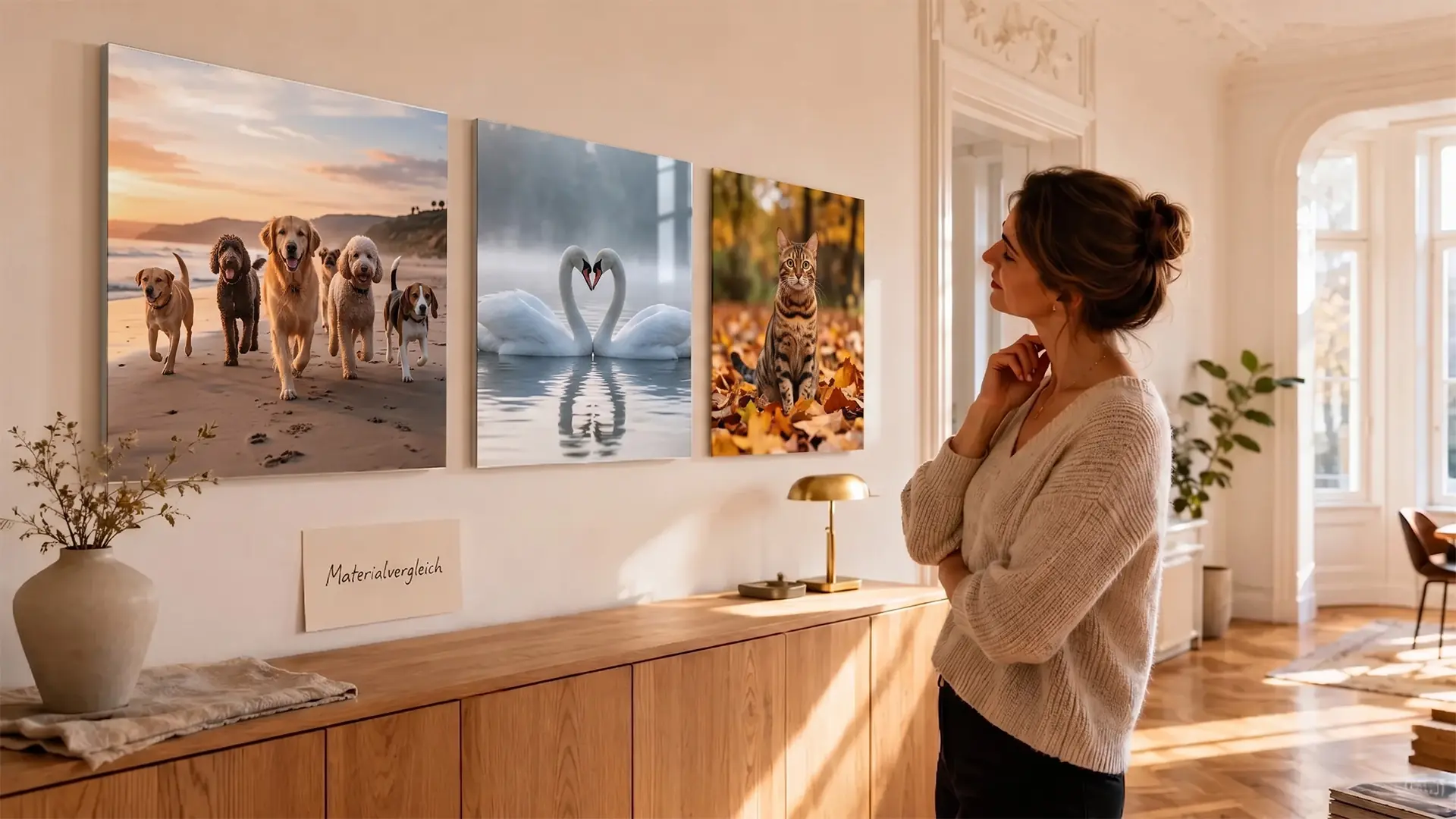
Canvas rule of thumb: if your photo is borderline for a poster, print it one size larger on canvas. What looks soft on paper often looks atmospheric on fabric.
For multiple photos in one piece, a photo collage is worth the effort. You spread the required pixels across smaller tiles, and each individual photo needs less resolution.
Is Your Photo Enough? Quick Check by Camera Type
Direct answer: smartphone photos from the last three years usually sit between 12 and 48 megapixels and reach most wall print sizes. DSLRs and mirrorless cameras deliver 20 to 50 MP, drones 12 to 20 MP. Scanned paper prints are the wildcard.
Smartphone (current typical):
- iPhone 13 to 15 standard: 12 MP, that is 4032 x 3024 px. Enough for poster up to 16x20 inches, canvas up to 30x40 inches.
- iPhone 15 Pro / 16 Pro: 48 MP, that is 8064 x 6048 px in ProRAW mode. Sharp at every size in this guide, including 36x48 inch acrylic.
- Samsung Galaxy S24 / S24 Ultra: 50 to 200 MP. Big-format capable up to 36x48 inches canvas with detail to spare.
- Google Pixel 8 Pro: 50 MP main sensor. Reaches 30x40 inch acrylic comfortably.
- Older smartphones (pre-2018): often just 8 MP. Maximum 12x16 inch acrylic, 16x20 inch canvas.
Mirrorless & DSLR:
- Canon EOS R6 Mark II: 24 MP. Comfortable up to 30x40 inches.
- Canon EOS R5: 45 MP. Sharp at 36x48 inches acrylic with detail headroom.
- Sony Alpha 7 IV: 33 MP. Practically limitless in the wall print range.
- Nikon Z6 III: 24 MP. Reaches 30x40 inches acrylic, 36x48 inches canvas.
Drones & action cams:
- GoPro Hero 13 Black: 27 MP. Reaches 20x30 inch poster, 30x40 inch canvas.
- DJI Mini 4 Pro: 48 MP. Enough for 24x36 inch acrylic prints.
Scanned paper prints:
- Negative scan at 1200 DPI: yields around 16 MP. Enough for 24x36 inch canvas.
- Print scan at 600 DPI: strongly depends on the original size, often only fit for 12x16 inches.
Tip: open the file info in your photo app. The pixel count is usually under "resolution" or "dimensions." Compare that number to the minimum pixel column in the master table above.
How to Rescue Your Photo at Low Resolution in 4 Steps
If the pixel count sits below the minimum recommendation, all is not lost. This order pulls the maximum result out of your file.
Step 1: Find the original file. Track down the original photo, not an iMessage, WhatsApp, or Instagram copy. Messenger apps often compress images to 1080 px on the long edge, which is only about 1 to 2 megapixels. The same photo straight from the gallery or iCloud often has four to six times the value. Also check the email someone sent the picture in, because there too the file is often shrunk automatically.
Step 2: Choose one size smaller. If your photo is borderline for a 24x36 acrylic print, order 16x20 instead. The visual difference on the wall is smaller than you think, but the sharpness gain is noticeable. On canvas this step is the simplest, because the fabric texture already softens the smaller size anyway. On acrylic the size drop pays off most.
Step 3: Use AI upscaling with care. Current AI tools can upscale images from 2 MP to 8 MP without looking visibly artificial. This works well on landscapes and architecture, less well on faces and fine textures like hair or feathers. Always check the result at 100 percent view on screen before you print.
Step 4: Match material to resolution. If your photo falls short on poster or acrylic, print it on canvas instead. The lower DPI requirement matches the lower pixel count, and you still get a high-quality wall piece.
Tip: for weddings, graduations, births, or other favorite moments, the effort of really hunting down the best original is worth it.
Final Thoughts: What Resolution Really Works for Which Photo Print
The truth behind photo print resolution is not a single magic number but a relationship of DPI, print size and material. 150 DPI is your anchor for poster and acrylic, 100 to 150 DPI for canvas. From those values you derive every minimum pixel number, and the master table above saves you the math.
If you are unsure whether your photo is tight, the order is: canvas forgives, acrylic exposes, poster sits honestly in between. Picking one size smaller rescues the print result almost every time, and AI upscaling is the emergency option, not the standard path.
The key takeaway: multiply the print edge in inches by 150 to get the minimum pixels for poster and acrylic. If your file sits below that, print on canvas or one size smaller.
FAQ: Photo Print Resolution
-
The canvas resolution for a 16x20 inch print sits at a minimum of 1600 x 2000 pixels, which is about 3 MP at 100 DPI. On poster or acrylic you need more: 2400 x 3000 pixels or 7 megapixels at 150 DPI. A modern smartphone photo at 12 MP sits comfortably above that.
-
No, 300 DPI is a myth carried over from magazine printing. Wall prints are viewed from 4 to 7 feet away, where 150 DPI is enough for a sharp impression. 200 DPI is the premium choice; anything above that is optically hard to spot.
-
Most of the time, no. WhatsApp compresses images down to around 1080 pixels on the long edge, which is only about 1 to 2 megapixels. That gets you to an 8x10 inch canvas at best. Get the original file straight from the sender's gallery.
-
DPI stands for dots per inch, the print dots per inch. PPI means pixels per inch, the image points per inch on a screen. In photo printing practice both terms are used synonymously, because modern printers translate the pixel value directly into print dots.
-
Yes, with AI upscaling you can enlarge images by a factor of 2 to 4. It works well on landscapes and architecture, less so on faces and fine structures. Check the result at 100 percent view before you print.
